
Acuity Scheduling Conversion Tracking for Classes (Quantity Selector)
Do you offer classes on Acuity? Run a yoga studio? Do pickleball, or have some other Acuity setup that takes multiple seats for one booking?
Read on…
Here’s a little look into one of the trickiest Acuity Scheduling conversion tracking scenarios – conversions in Google Ads and Meta, with Acuity quantity selector.
Video
Possible updates on the topic at X
Let’s dig in…
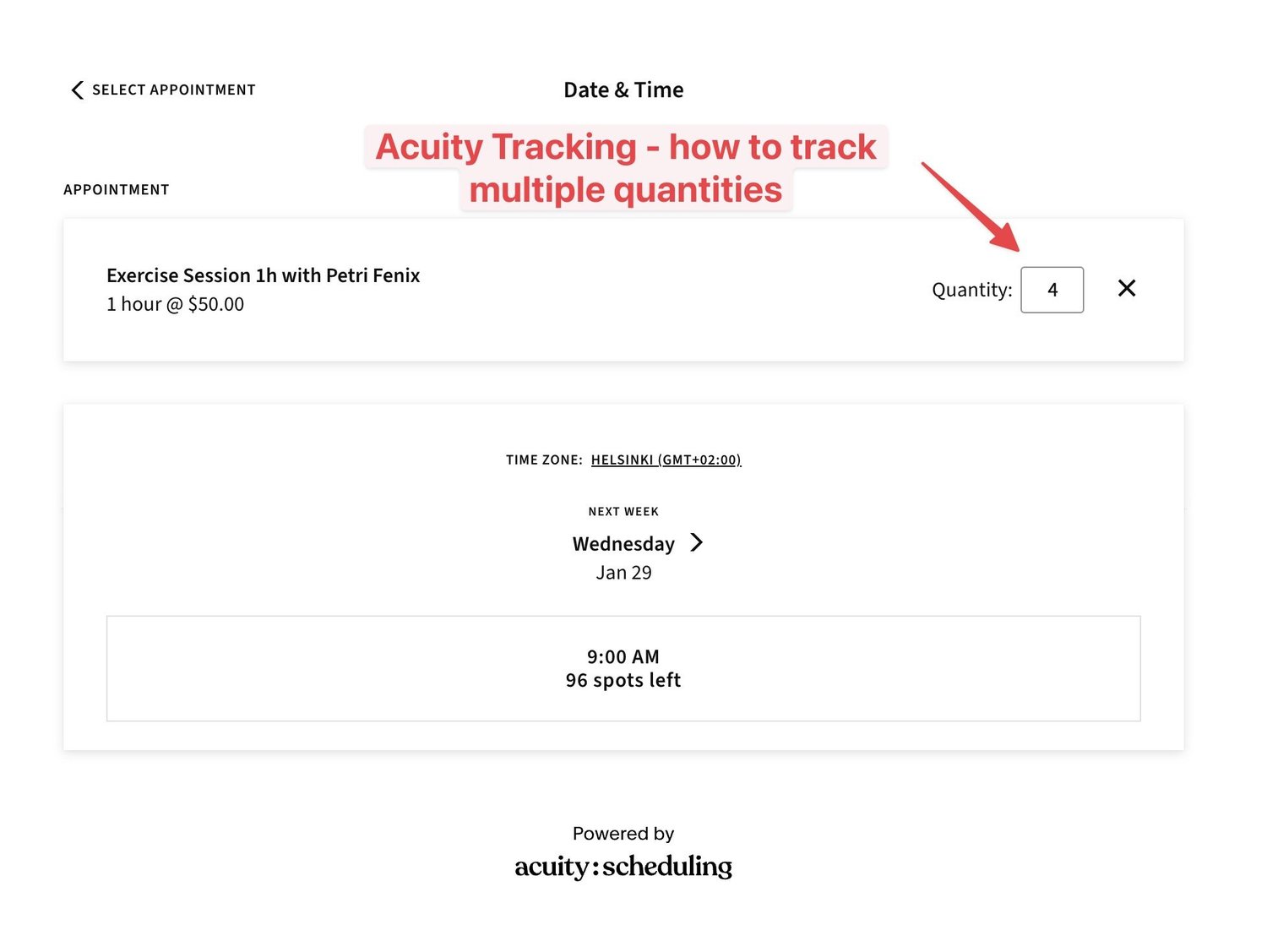
Key idea
Each seat has their own appointment ID.
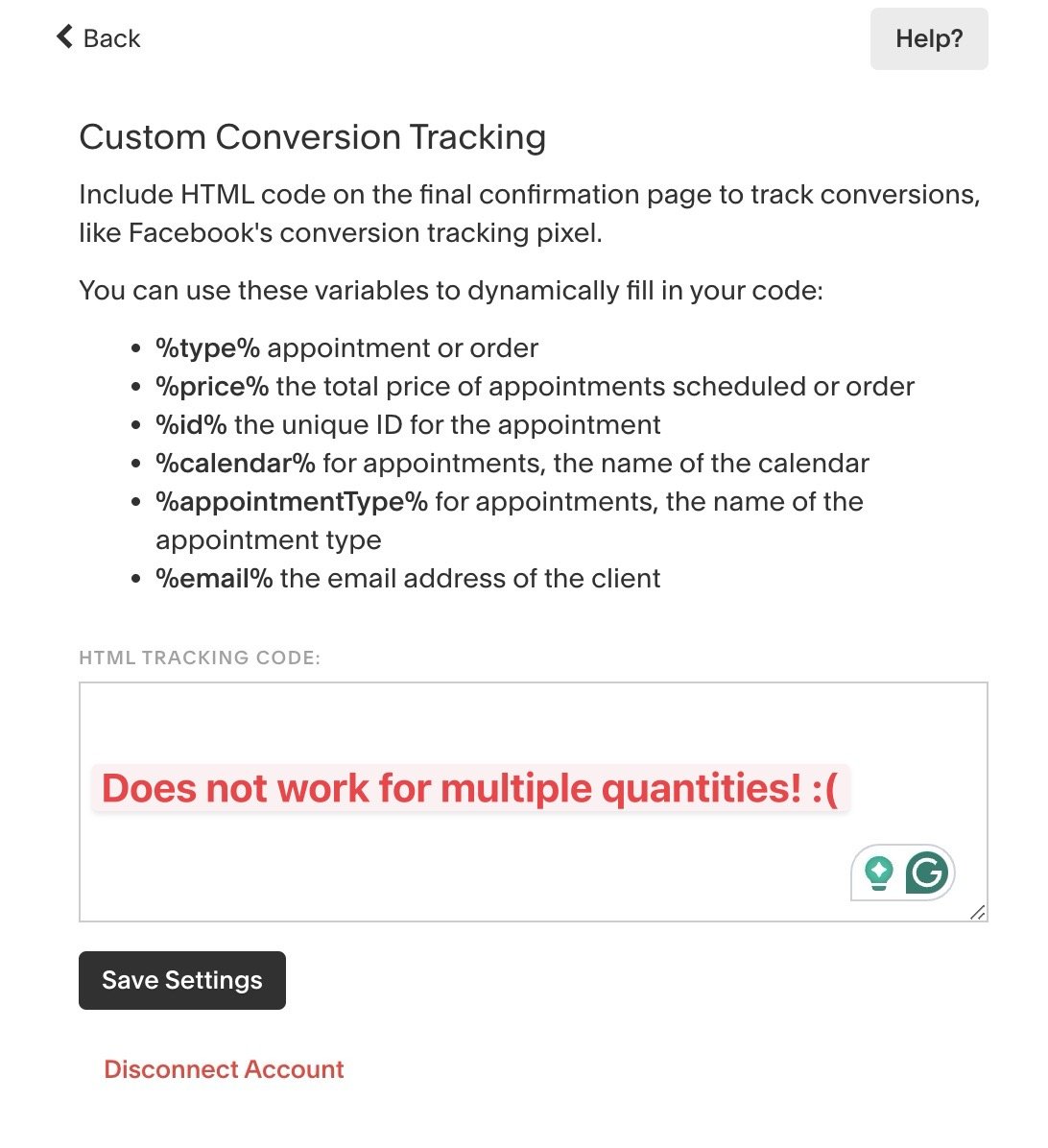
Custom conversion tracking
The custom conversion tracking field inside Acuity integrations does not work. It only tracks the first “seat”.
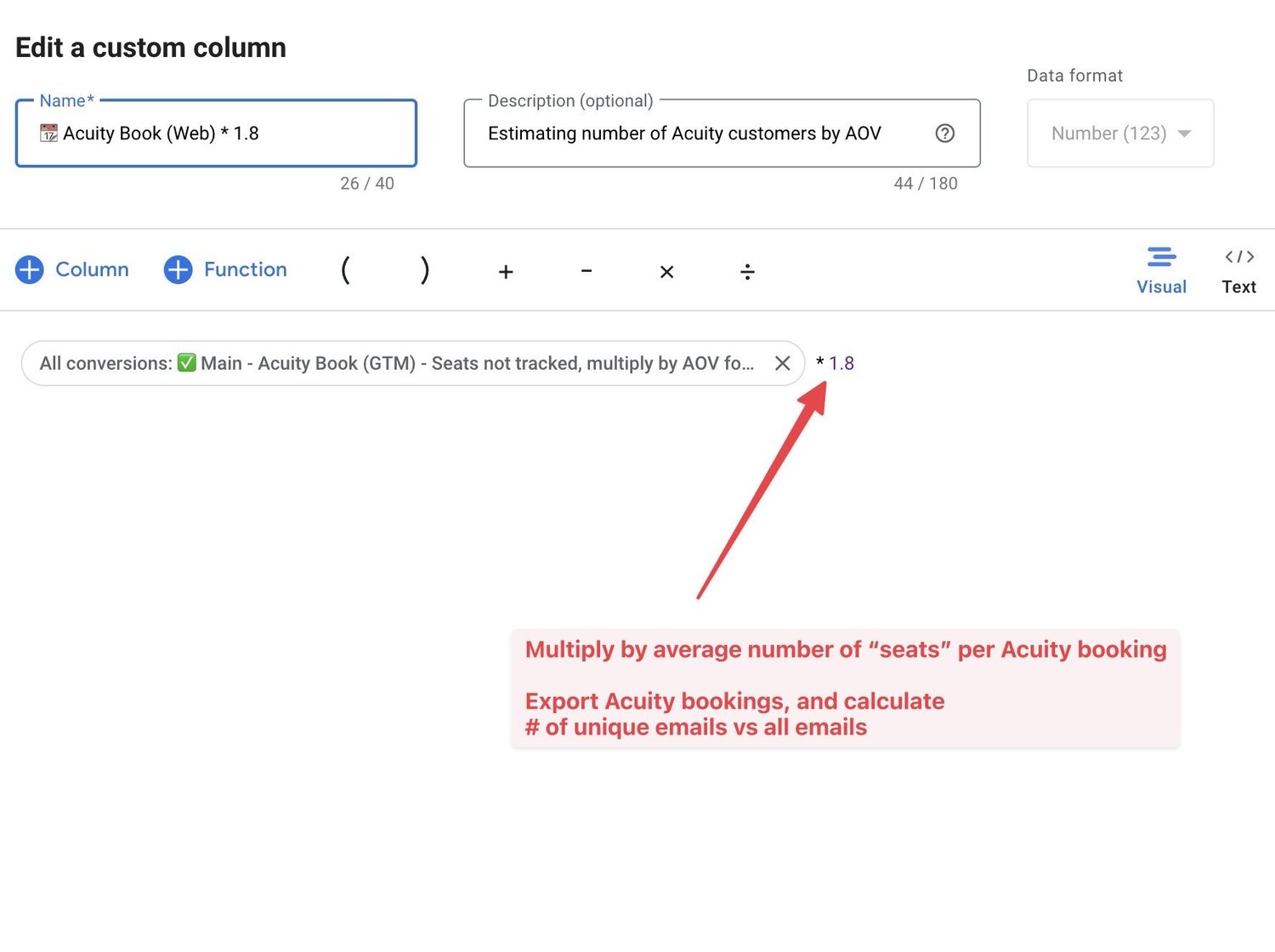
Workaround with custom columns
We can get a pretty nice solution with custom columns.
Multiply by your average number of “seats” per Acuity booking. For example, if most people book 2 seats, multiply by 2. Update the number every year or so.
How to do it?
- Export Acuity bookings, and calculate # of unique emails vs all emails.
- Use custom column formulas in Google Ads and Meta Ads manager
Meta CAPI and Google Ads API
Acuity API provides perfect data. Each “seat” is its own booking and API call. Perfect!
However…
Meta Ads (likely Google Ads too) has a BUG of deduplicating UNIQUE events — even with IDs! They explicitly say they do not do this. But you can see with your own eyes.
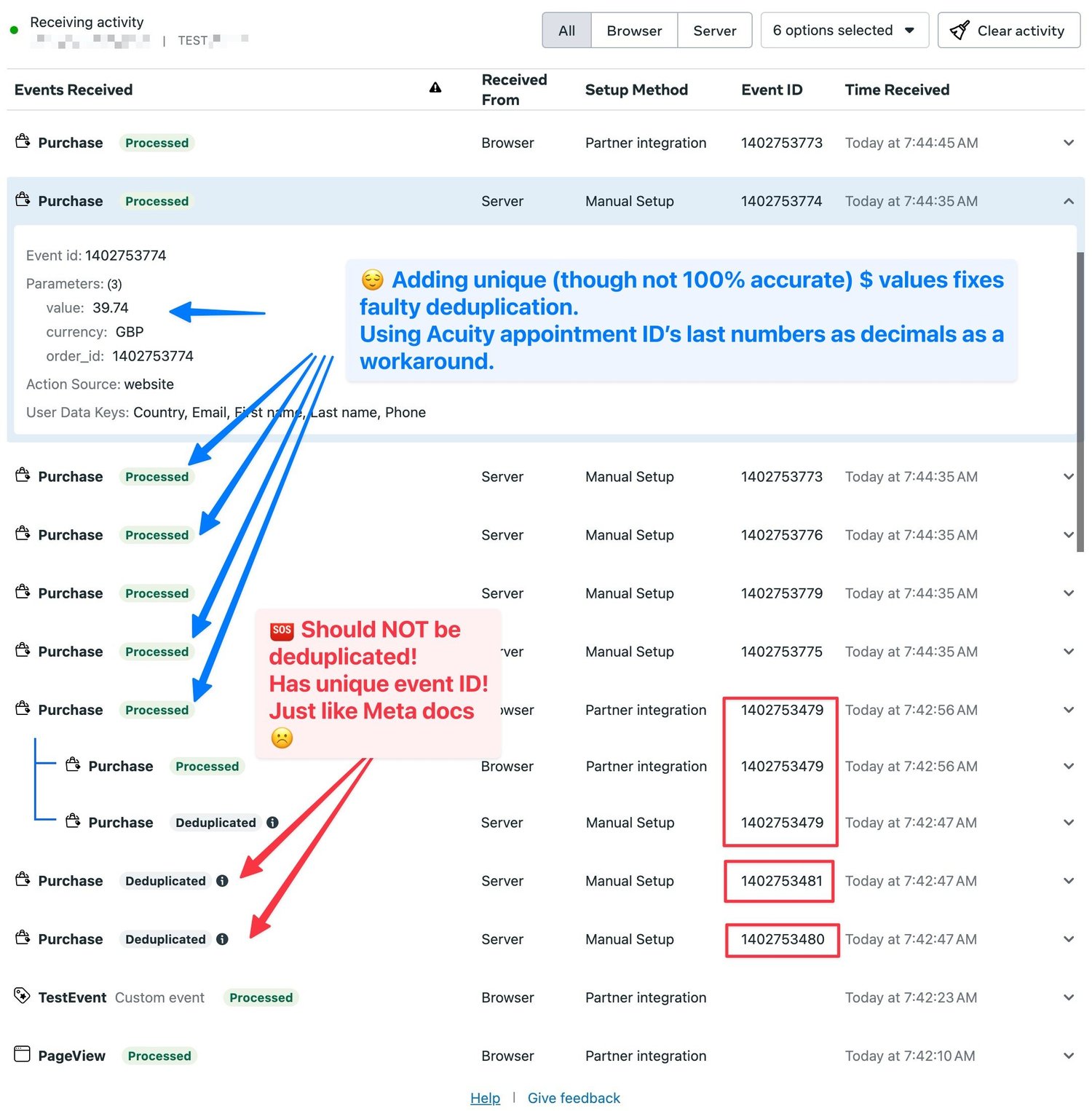
Solution 1 Override value with unique decimals using Acuity ID — e.g. £39.00 → £39.74
It’s not perfect, but it’s much better for ad performance analysis to have our numbers be off by £0.74, than £100. No tracking setup is 100% perfect either way.
The problem is, our Google Tag Manager client side tracking value must also match our adjusted value, making it much more difficult.
I will be investigating if this same is happening on Google Ads, but it’s much harder to debug as Google Ads does not have a real-time test events view like Facebook business manager. I believe it has the same issue as we have seen inaccurate data on Google Ads conversions for Acuity classes.
Need help with Acuity or Analytics?
Hire the best Acuity Scheduling specialist on the planet, via the contact page.